

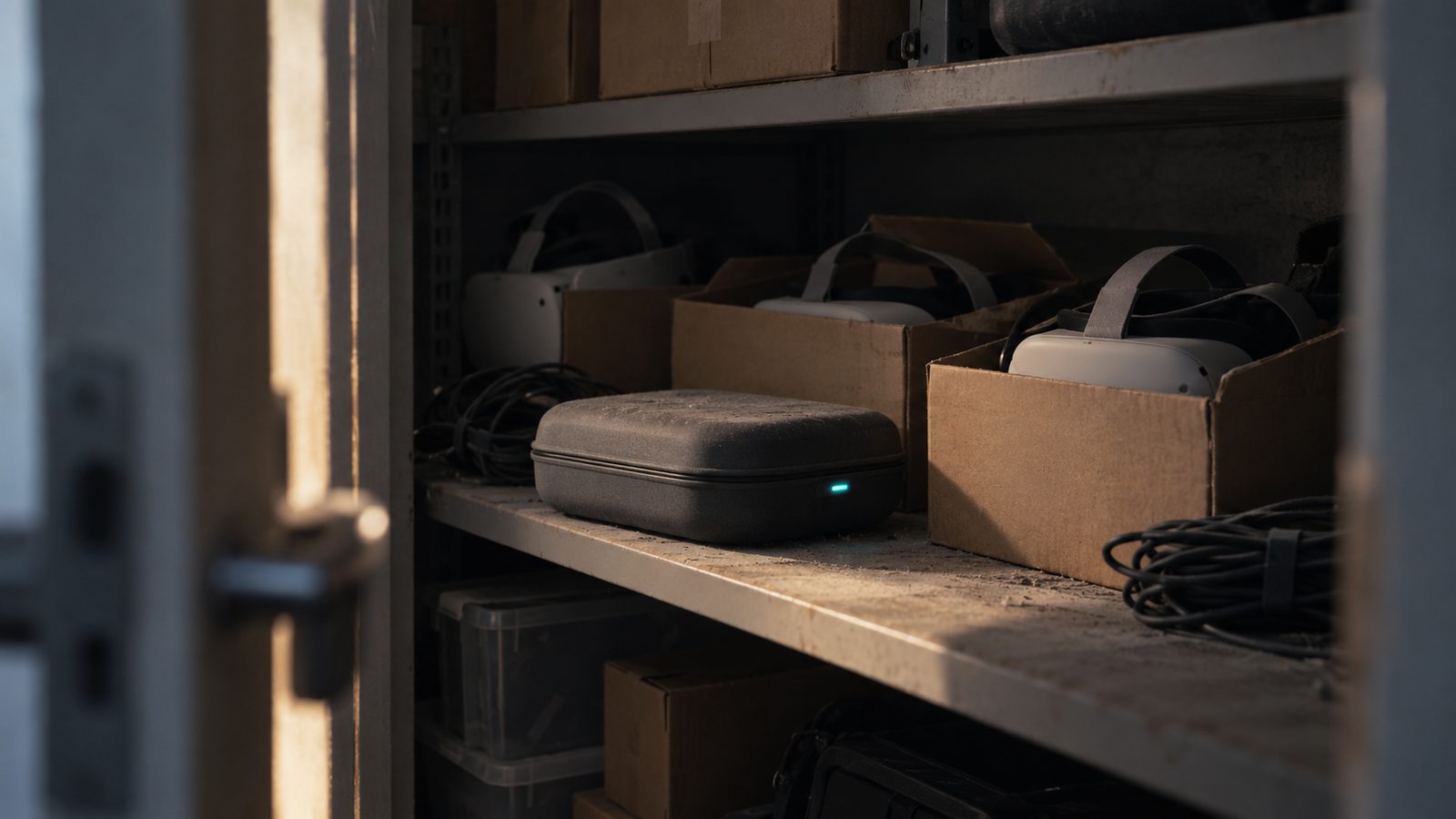
If there is a cupboard of headsets in your college or trust that nobody has booked since the pilot, you are in the majority, not in trouble. Jisc found that 78% of UK tertiary institutions had invested in XR, while only 55% reported moderate to extensive use of it. The gap is almost never the hardware. It is that the content ran out and nobody owns the routine.
Key takeaway: Dormant headsets are a content and ownership problem wearing a hardware costume. Fix it by giving one named person a termly routine and a way to author scenarios in-house, then use the headsets only where presence earns the logistics.
The size of the problem, in actual numbers
Jisc’s extended reality in learning and teaching report 2023/24 surveyed 157 respondents across more than 110 UK further and higher education institutions, with 21 follow-up interviews. Its usage split is the most useful vendor-independent figure in the sector:
| Sector | Extensive use | Moderate use | Implied little or no use |
|---|---|---|---|
| Higher education | 4% | 63% | about a third |
| Further education | 3% | 43% | about half |
The barriers respondents named were resourcing (money, people and time), lack of specialist staff, accessibility, and what the report calls device sustainability given how fast hardware turns over. Note what is not on that list: scepticism about whether immersive learning works.
Much of the kit arrived on capital money. The Local Skills Improvement Fund put £165 million into English further education, £80 million in 2023-24 and £85 million of capital in 2024-25, explicitly including new facilities and equipment (gov.uk). That programme has ended. In Wales, Medr’s digital capital funding for 2026/27 is £3 million a year across the sector and pointedly excludes staff costs and ongoing licence subscriptions.
That is the structural trap in one line: the money bought devices and could not buy the time or the content that makes devices useful.
One change you need to know about
Meta is closing its business VR programme. From 20 February 2026 it stopped selling commercial Quest SKUs and stopped taking new Horizon Managed Services customers, dropping existing subscription fees to zero, with the programme shutting down entirely on 4 January 2030 (UploadVR). The service previously cost $15 per headset per month in individual mode and $24 in shared mode, and covered bulk setup, remote app deployment, MDM integration and shared-session PINs.
Practically, if your plan for reviving an estate assumed buying a managed route from the manufacturer, that route is closing. What remains is standard mobile device management plus content your own team controls, which is the direction most institutions were heading anyway.
On hardware lifespan there is no official policy to cite. The only figure in circulation traces to an unconfirmed remark by Meta’s CTO about supporting Quest 2 for three years from its last date of sale, reported second-hand and never published as a commitment. Plan around your own replacement cycle rather than a rumour.
The six-step revival
1. Audit honestly, in an afternoon
Count working units, charge state, strap and facial-interface condition, OS version, and what accounts they are tied to. Write down what is genuinely dead. A pile of Quest 2s with perished face pads is a £30-per-unit consumables problem, not a write-off.
2. Name an owner
Not a committee, not “the digital team”. One person with half a day a fortnight in their workload, who books the kit out, charges it, updates it and knows who to ask for content. Every institution where this works has this person. Every stalled estate does not.
3. Build one scenario that matters to one course
Not a showcase. One assessed thing on one course, chosen because the real version is rationed: the hazard that cannot be staged, the machine there is one of, the patient who is not available on Tuesdays. Build it with the tutor who teaches it, using no-code authoring so they can fix the wording themselves rather than filing a request. A first scenario takes an afternoon to draft; see how long it takes to build for the realistic end-to-end.
4. Publish it to everything, then use headsets selectively
The mistake that created the cupboard was headset-first delivery. Publish the scenario to browsers, phones and tablets so the whole cohort can do it this week, then book headsets for the sessions where presence is the point. The same build serves both, which makes headset use a timetabling choice rather than a production dependency. This is covered properly in do you need headsets for VR training.
5. Sort headset hygiene before the first group session
The published protocol worth copying comes from a Western Sydney and University of Sydney team in Frontiers in Digital Health: hand hygiene first, discard disposable face pads, separate fresh wipes for the inner then outer headset, detergent followed by an approved disinfectant, air dry, store sealed. Their key design finding is the one people miss: Velcro straps and absorbent foam cannot be disinfected, so swap them for wipeable or disposable alternatives before you start. NSW Health’s clinical excellence guidance is the operational version, Australian rather than UK, and worth reading as good practice.
6. Put it in the timetable, not the innovation plan
A scenario that lives in a scheme of work gets used every year. A scenario that lives in a digital strategy gets used once, at an open day.
The termly routine that keeps it alive
| Cadence | Task | Time |
|---|---|---|
| Weekly | Charge, update, check face pads and consumables | 20 minutes |
| Per booking | Clean before and after, set guardian, check session accounts | 10 minutes per group |
| Termly | Review which scenarios were used, retire what was not, update one | Half a day |
| Annually | Replacement plan, consumables budget, accessibility review | Half a day |
Accessibility deserves its own line, since Jisc found 53% of HE and 20% of FE respondents raising it as a barrier. Keeping a browser route to every scenario is the single biggest thing you can do about it, because a learner who cannot wear a headset is then doing the same assessed activity on a laptop rather than an alternative task.
When not to revive
Sometimes the right answer is to stop. If the units are tethered headsets needing a dedicated PC, if they are tied to accounts nobody can recover, or if the only content was a demo app from a supplier you no longer work with, do not rebuild around them. Keep a handful for the sessions that genuinely need presence, retire the rest through your IT disposal process, and spend the effort on content that runs on the devices your learners already own.
In honesty, we could not find a published UK account of an institution formally reviving a dormant estate, which probably says more about what gets written up than what gets done. The pattern above is what we see working with colleges and trusts, not a case study with a citation.
The short answer
Unused VR headsets in a college or trust are usually a content and ownership failure, not a hardware one, and the Jisc data shows the gap between investing in XR and actually using it is sector-wide. Audit the kit, give one person the routine, build one assessed scenario with the tutor who teaches it, publish it browser-first so the cohort is not blocked on devices, and keep the headsets for the sessions where presence earns its logistics.
Talk to us about reviving an existing estate, or read the UK college guide to building your own.